Guides · 修行
- Beginner
- 5 min read
- Guide 01
How to play NinjaPVP
Know your kit · Read the fight · Get a feel for the arena
Still in development. Public access is not open yet. Explore the Alpha below, then join the waitlist so you hear when the doors open.
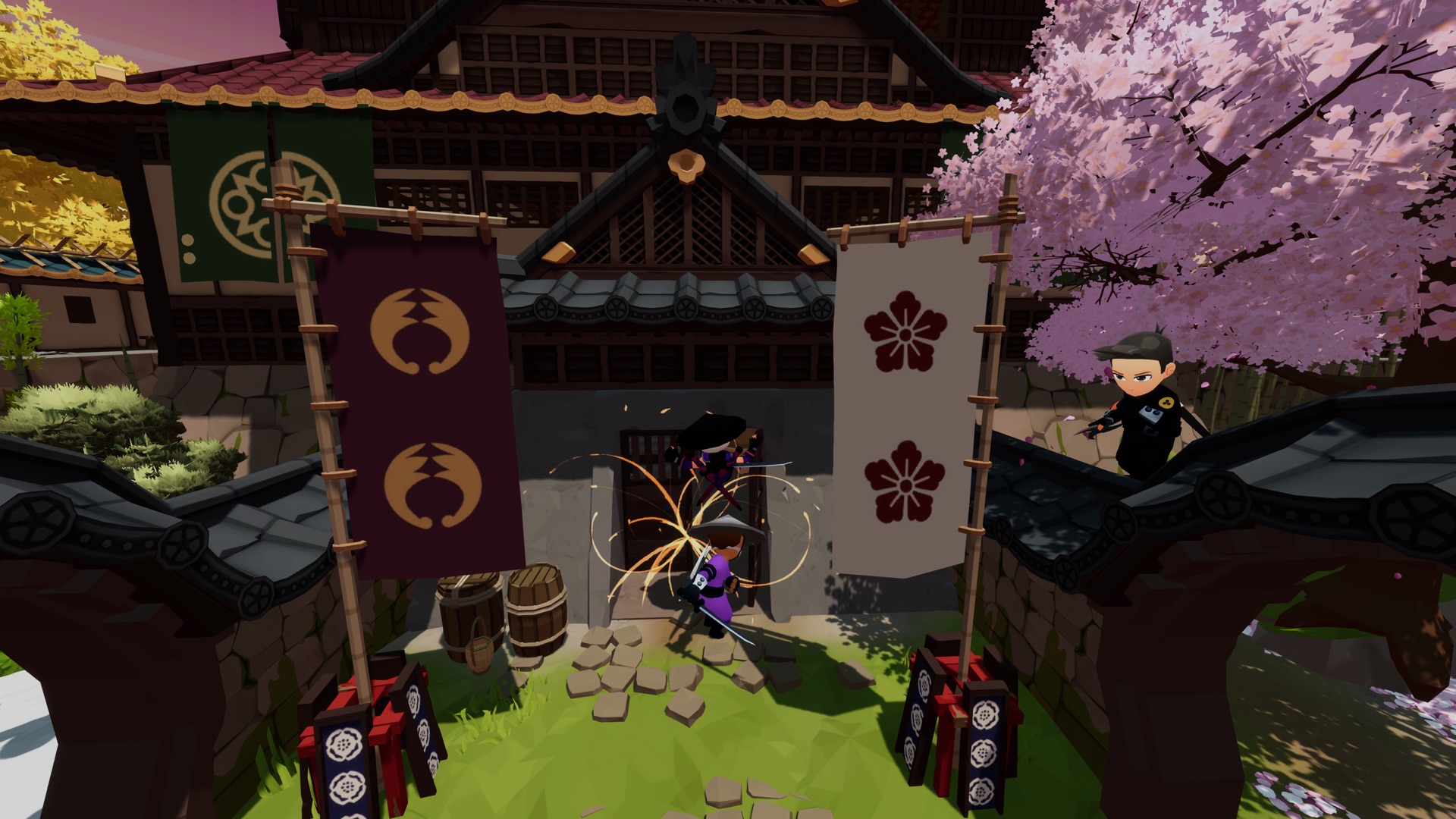
Your kit
Five techniques. Make them work together. Four normal techniques and an ultimate; your equipment lives outside those five slots.
- Technique
- Technique
- Technique
- Technique
- Ultimate
- Melee weaponOne per loadout. Your default answer up close.
- ThrowableOne per loadout. Poke, finish, or force a dodge.
- Passive trinketsOne per trinket slot. Always on, no input needed.
Techniques that solve different problems beat five that do the same thing. Cover range, escape, and damage before you chase style.
What can I equip?
Blessing techniques require their compatible blessing; standalone techniques fit any blessing. No duplicate techniques. Substitution is available to everyone without using a slot.
Choose one melee weapon, one throwable, and one passive trinket per trinket slot. Loadouts lock when a match starts.
Based on the authored wiki rules; not an independent current-build test.
How should I choose my first kit?
Beginner tip, not a tier list: choose techniques that solve different problems. Compare their role, chakra cost, and cooldown in the jutsu reference. Change one choice between matches so you can notice its effect.
The fight
Read the arena, then make your move. Melee, throwables, and jutsu make up your kit. Jutsu use chakra, which regenerates.
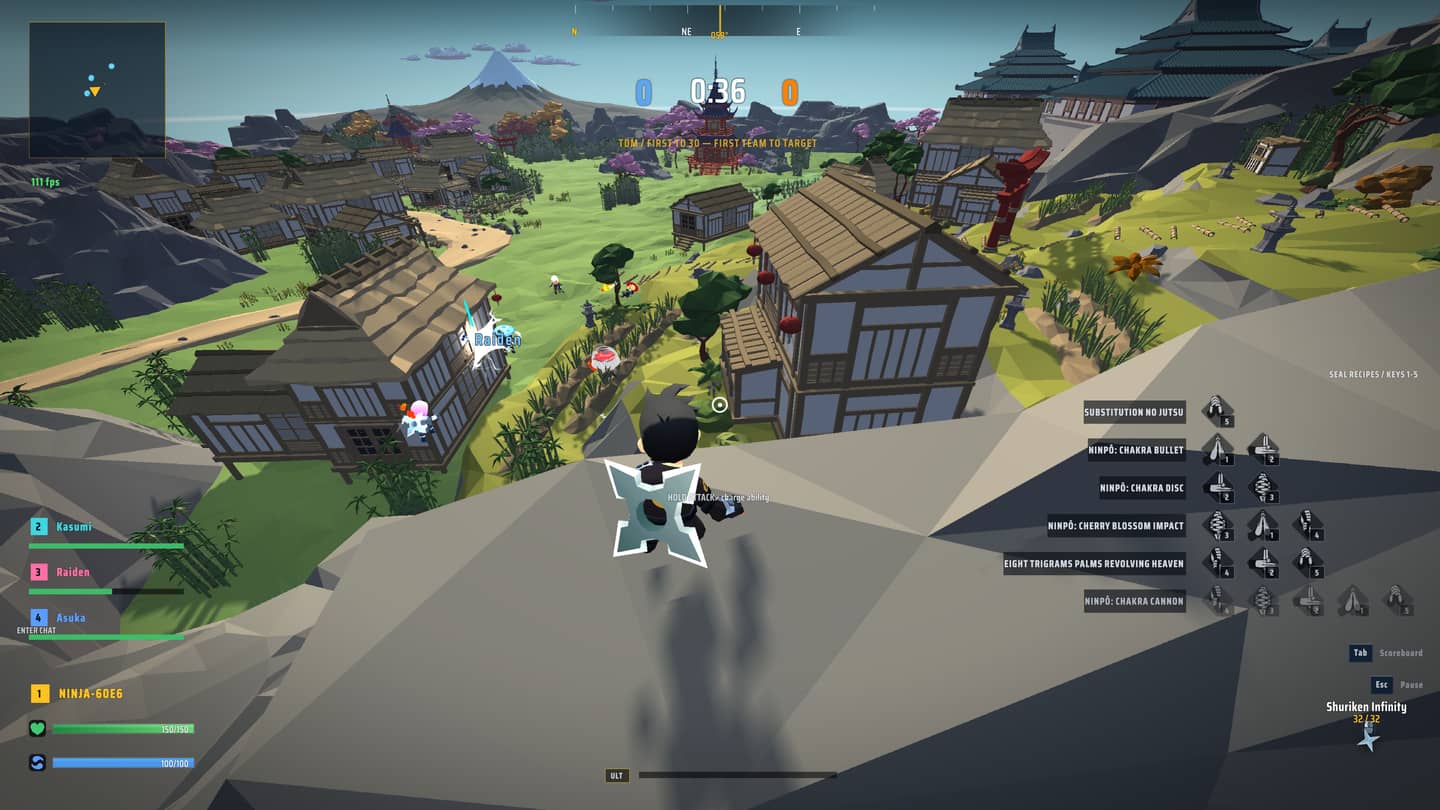
- Top of the screenTeam scores and the match timer.
- Lower leftYour health and chakra readouts.
- Right-hand sideSeal recipes shown in this capture.
What is a useful first-match habit?
Beginner tip: stay near a teammate and try one tool deliberately. Between matches, change one part of your kit rather than everything at once. These are learning suggestions, not proven optimal strategies.
See the match guide for documented respawn and scoring rules. Check the controls in the build you are playing rather than treating an older screenshot as a current key-binding guide.
Before you play
Know what's ready, and what's next. NinjaPVP is pre-launch. The public waitlist is open; public play is not.
Team Deathmatch
Two teams compete for eliminations. Read the documented match rules.
More modes soon.
Which browsers are supported?
The Alpha supports Chrome and Safari on desktop. Phones and tablets are not supported at Alpha.